


Five Ways InfraMappa User Management Can Make Your Life Easier
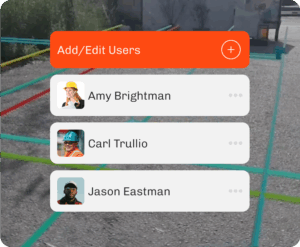
InfraMappa’s user management tools give you granular control over who can access your digital twin, what they can see, and how long they have access. Here are five ways to get more out of user management.
1. Add a temporary InfraMappa user in seconds
Need to give a contractor or vendor access for a short-term project? Add a new user in seconds so they can get to work without a lengthy setup process. For example, you can give an electrical contractor access before they arrive on-site to review panel locations and related documentation.
2. Set an expiration date
Instead of remembering to remove someone when their project wraps up, set an expiration date when you add them. Their access expires automatically on the date you choose, and you can update it with one click if the project timeline changes. For example, if a construction project is extended by two weeks, simply adjust the expiration date instead of creating a new account.
3. Control exactly what they can see
Not every user needs access to everything. Grant permissions to specific modules, such as the map, plan room, or issue tracking, so users only see what’s relevant to their role. For example, a security contractor can view CCTV camera locations without accessing the rest of your facility data.
4. Choose read-only or edit access
Giving someone access to your facility data doesn’t mean giving them permission to change it. Read-only access lets contractors, consultants, or vendors find the information they need while protecting your data from unintended edits. When collaboration is required, edit access is just as easy to grant.
5. Deactivate an InfraMappa user with one click
When someone’s access needs to end, you can deactivate their account immediately without digging through settings. For example, if a contractor completes a project or an employee leaves your organization, you can remove their access in a single click.